
01 / CREATE + HOST
One place for the whole model.
Let your AI work through a scoped connection. Keep the editable Blender source, web model, and saved versions together in an authorized workspace.
FOR APPS & AGENTS
Give the AI inside your product a place to create, host, and serve 3D models. Your users stay in your experience.
CREATED BY AI. AT HOME IN YOUR APP.
An interior planner can create furniture. A design app can generate a product. A property tool can turn a brief into a model of a home.
Use the same authorized projects and saved versions through MCP or the API. Private models can appear inside your app through the embed SDK.
COURTYARD / DESIGN ASSISTANT
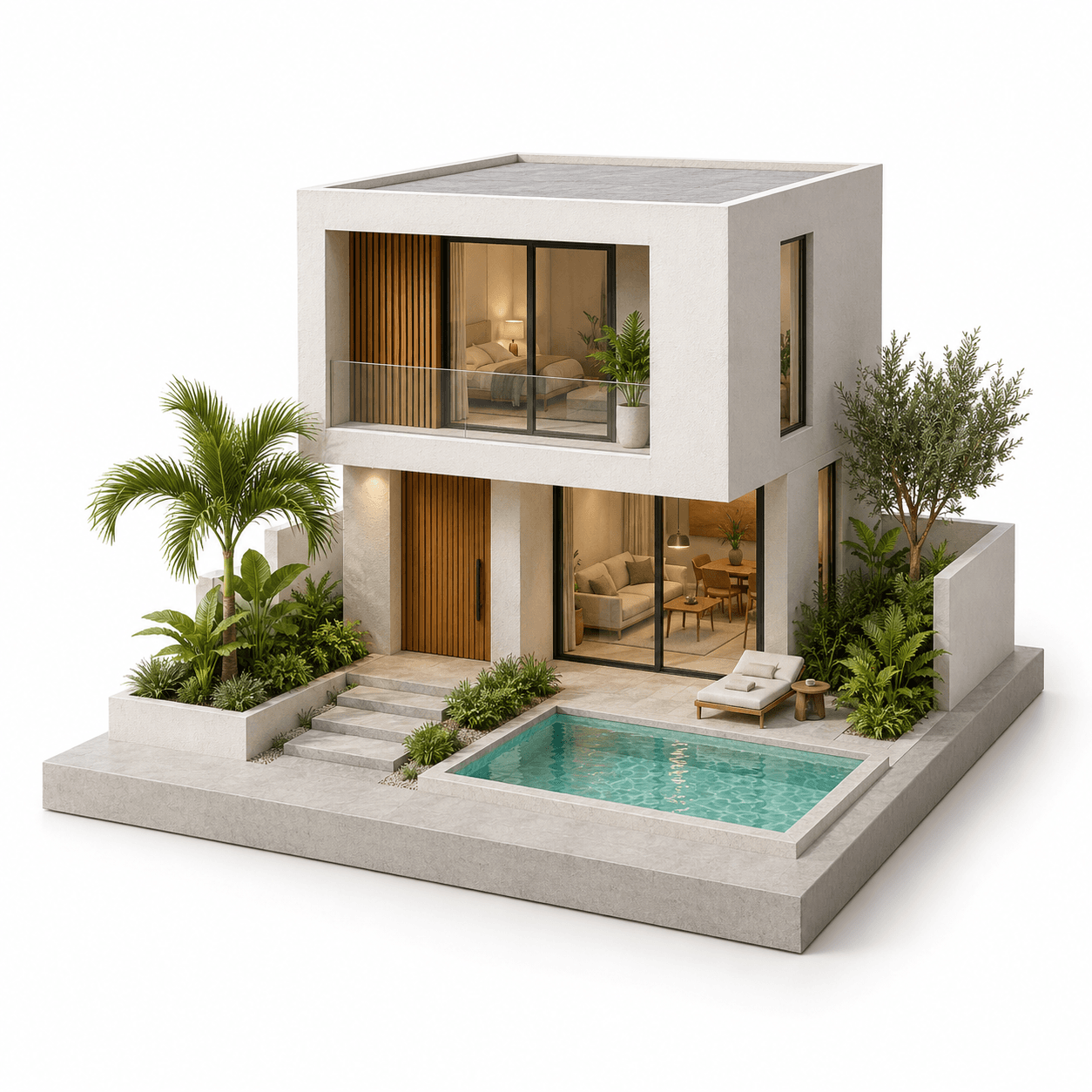 Made with blendstra
01 / CREATE + HOST
Let your AI work through a scoped connection. Keep the editable Blender source, web model, and saved versions together in an authorized workspace.
02 / SERVE + SHARE
Use a pinned version in an authorized private embed. Publish a public version when its owner chooses. Your app controls its user experience.
Integration setup and permissionsBlendstra runs the 3D tools. Your agent or app supplies the AI. Choose the workspace and permissions your app needs. Models stay private until their owner publishes them.
Create a model, inspect its saved result, then request a focused revision. Keep the earlier version available for comparison or recovery.